Gamified Learning Apps: What to Compare Before You Choose
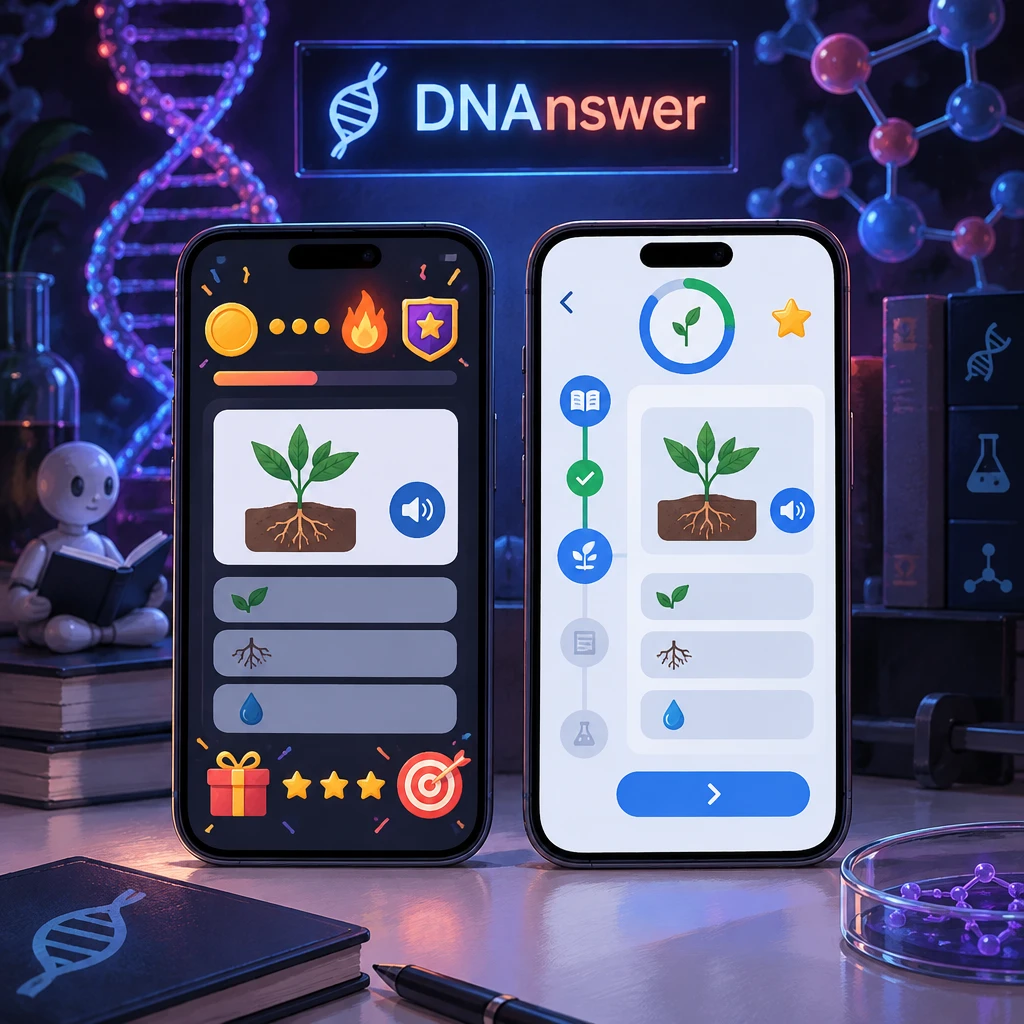
You can earn thousands of points in a quiz app and still fail to explain the topic to a friend. Apps reward activity, and activity is not the same thing as understanding. So which app actually teaches you something, and which one just keeps you tapping?
Before you pick from the many gamified learning apps out there, compare a short list of things that predict learning. Look at subject accuracy, answer explanations, practice that makes you recall, honest progress tracking, accessibility, privacy, and free-access limits. Treat streaks and leaderboards as motivation tools, not proof. For biology, use one simple test: can you explain an unfamiliar example after you play?
Key Takeaways
- XP and streaks measure time spent, not understanding.
- Check that wrong answers come with a reason, not just red.
- Recall beats recognition. Look for apps that make you produce answers.
- Leaderboards help some learners and stress others. Turn them off if needed.
- Free tiers often lock review tools and full explanations.
- Test any app with one biology question you can't fake.
Myth: A Long Streak Proves You Understand the Subject
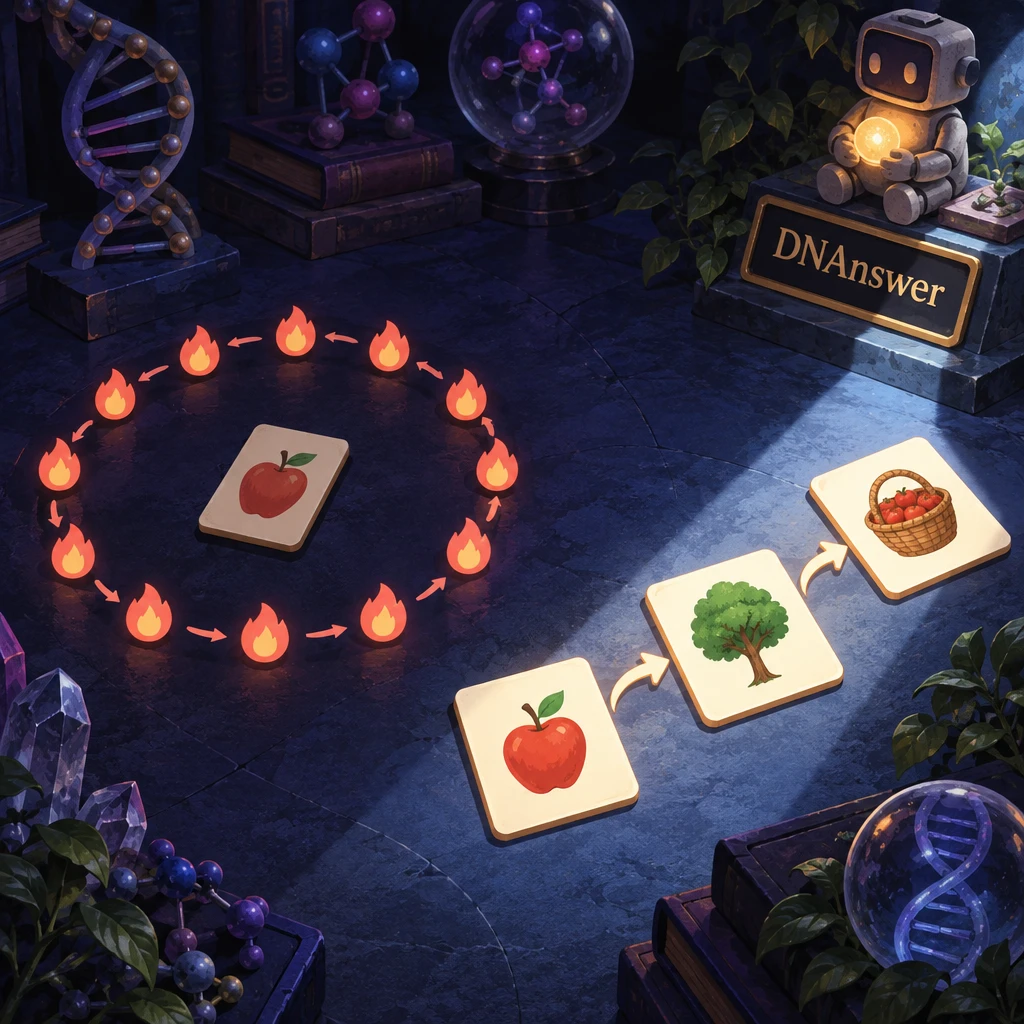
Day 212. Your streak counter glows orange, and you feel like an expert. That feeling has a real basis, and also a real gap.
People trust streaks for a good reason. Showing up daily beats cramming once a month, and a streak makes that habit visible. Points give you instant feedback, and levels break a big subject into small wins. None of that is fake.
What the counter actually tracks
A streak counts the days you opened the app. XP counts the actions you finished. Neither number checks whether you could answer the same question in a new form tomorrow. Many apps also let you protect a streak with a "freeze," so the number can grow on days you learned nothing.
The research points the same way. A 2025 meta-analysis by F. Kurnaz in Psychology in the Schools found that gamification tends to boost extrinsic motivation (chasing the reward itself) more reliably than interest in the material. That effect grew stronger when the reward had little connection to real skill. The study looked at K-12 students, but the mechanism applies to adults too: you learn to chase what the app counts.
Recognition versus recall
Here is the trap in biology. A quiz asks, "Which molecule carries genetic instructions from DNA to the ribosome?" and offers four options. You spot "mRNA" because it looks familiar. That is recognition: picking the right answer out of a lineup.
Now close the app and try this: why does a cell bother copying DNA into mRNA instead of reading DNA directly? If you can't say, the quiz rewarded familiarity, not understanding. (The short answer: the cell keeps its DNA protected in the nucleus and sends out disposable copies to the ribosome, its protein-building machine.)
What to do instead
Pick apps that make you produce answers, not only choose them. This method has a name.
Retrieval practice: pulling an answer out of your own memory, without cues, which strengthens that memory more than rereading or recognizing it.
Pair it with spaced repetition, an app feature that brings back a question days or weeks later, right when you start to forget it. An app that shows you old questions on a schedule is worth more than one with a flashier streak. Track the one score that matters: how often you answer correctly on a question you saw a week ago.
Myth: The Most Popular App Will Fit Your Goals
Your coworker swears by an app. It has millions of users and great reviews. Surely it works for you too?
Popularity tells you something useful. A big app usually runs smoothly, fixes bugs fast, and stays online. It also shows that the game design keeps people coming back, which counts for a lot when you learn alone after work.
But popular apps grew popular in specific subjects. Duolingo built its fame on languages. Khan Academy started with math and school science. Elevate trains quick mental skills, and SoloLearn teaches coding. Each one shapes its questions, pacing, and rewards around its home subject. A design that works for vocabulary drills may handle a topic like gene regulation poorly, because biology needs cause and effect, not just matching.
Where Quizlet fits
Quizlet comes up in almost every comparison, so let's place it fairly. It works as a flashcard tool first, with game modes on top, and it shines when you already know what to study. Most of its sets come from users, though, so quality swings widely. One set on cell division may be excellent. Another may mix up mitosis and meiosis (the two ways cells divide, one for growth and one for making egg and sperm cells).
Apps built around a single subject usually do the opposite. They write the questions in-house, so the content stays consistent, but you get less freedom to make your own decks.
Match the app to the job
Ask yourself what you want after three months. If you want to pass a course exam, you need coverage of a syllabus. If you want to understand news stories about CRISPR or mRNA vaccines, you need clear explanations of mechanisms. If you want a fun daily habit, a lighter app works fine.
Open the topic list before you download anything. If the app lists "Biology" as one box with 40 questions, it can't take you far in genetics. Look for named subtopics like DNA replication, transcription, mutations, and inheritance.
Myth: Every Quiz App Explains Why You Got It Wrong
You tap "transcription." The screen flashes red and shows "translation." Then the next question loads. You learned the answer, but not the reason.
Most people assume feedback means explanation, because good teachers work that way. Many apps skip it. Writing a solid explanation for every wrong option takes far more work than writing the question, so cheaper apps show only the correct answer. Some put full explanations behind a paywall.
That missing step costs you. A wrong answer is the best moment to learn, because your brain just noticed a gap. A bare "correct answer: translation" leaves the confusion in place, and you will probably repeat the mistake.
Good corrective feedback does three things. It says what you got right, why your choice fails, and how to tell the two ideas apart next time. For this example, a strong explanation might read: "Transcription copies DNA into RNA. Translation reads that RNA to build a protein. Remember the order: you transcribe a text before you translate it."
Notice the memory hook at the end. Apps that add these little handles help adults who never took biology, because they connect a new term to something familiar.
Get one question wrong on purpose during your first session. Then read what the app shows you. If you see only the right answer, you know how every future mistake will go. Also check the science. If an explanation calls DNA a "blueprint" that the cell follows exactly, with no mention of how cells switch genes on and off, the app has simplified past the point of accuracy.
Myth: Leaderboards Motivate Everyone
Some people see their name in fifth place and want third by Friday. Others see it and close the app for good.
Leaderboards earn their reputation honestly. Competition adds stakes, and a ranking can turn a quiet study habit into something social. For people who love a scoreboard, a weekly league really can double the time they put in.
Who the board leaves behind
Leaderboards also reward volume. The top players often have the most free time, or they already know the material. If the same three names lead every week, everyone else stops caring. Rankings can also push you to rush, because speed earns points while slow thinking doesn't.
Classroom research supports a middle path. Team-based challenges tend to beat individual rankings, and mechanics tied to mastery, like levels you unlock by showing skill, beat raw point totals.
Pressure can push you toward easy questions
Watch for one quiet side effect. When ranking matters, you may stick to topics you already know, because new ones lower your score. That feels productive and teaches you nothing new.
How to use rankings on your terms
Check that you can hide the leaderboard, or join a smaller league of similar learners. Personal-best goals offer a calmer option: you compete with last week's version of yourself. And if a ranking makes you anxious rather than curious, turn it off. You lose nothing that matters.
Myth: Free Access Includes Every Feature That Matters
"Free" on the app store page often means free to start. Many apps run on a freemium model, where the basics cost nothing and the best tools sit behind a subscription.
That model makes sense from the company's side. Writing accurate science questions costs money. Still, the locked features are often the learning tools themselves. Watch for these:
- Full answer explanations, limited to a few per day
- Spaced review of past mistakes
- Unlimited daily questions instead of a capped number
- Detailed progress stats by topic
- An ad-free experience, which matters for focus
Here's a realistic scenario. You study on the free tier for two weeks and feel great. Then you hit the "review your mistakes" button and see a lock. The part of the app that drives long-term memory turns out to cost extra.
Test the free version for at least a week before you judge it. Many limits show up only once you build history, like a cap on review sessions or a stats page that unlocks after you pay. Read the subscription page too, even if you plan to stay free. It tells you exactly what the free tier lacks.
Some apps, including platforms that focus on one subject, keep their quizzes fully free. In that case, look at what you do get: question count, explanation depth, and how often new material appears.
Myth: Privacy and Accessibility Settings Don't Need a Look
Most adults tap "accept" and move on. With a learning app, that habit can cost you more than you expect.
What the app collects
Gamified apps track a lot: how long you play, when you play, what you miss, and who you compete with. Some ask for contacts so you can "find friends." Some share data with advertisers on free tiers.
US law sets firm rules only in certain cases. The FTC's COPPA rule covers apps aimed at children under 13, or apps that know they collect data from them. If you're an adult, those protections don't apply to your own account. So read the privacy summary yourself. Check three things: whether you can sign up without linking social media, whether your profile and rank appear publicly, and whether you can delete your account and data.
Public profiles deserve a moment of thought. On many apps, your username, level, and rank show on a public page. That's fine for most people, but choose a username that doesn't reveal your full name if you'd rather stay private.
Notifications and accessibility
Streak reminders can turn into nagging. A good app lets you pick the time, the number, and the tone of reminders, or turn them off completely. If you can't silence guilt-trip messages ("Your streak is about to die!"), the app values your attention more than your learning.
Accessibility matters for many learners. Check text size controls, color contrast, and whether timed questions offer an untimed mode. If you use a screen reader such as JAWS on Windows or VoiceOver on an iPhone, try a full quiz with it. Biology apps lean on diagrams, so look for text descriptions of images. A diagram of a DNA double helix means nothing to a screen reader without a written description.
A 10-Minute Test Drive for Any Biology Quiz App
Reviews tell you how an app feels. They rarely tell you whether it teaches. You can find out yourself in about 10 minutes per app.
Run the same steps on two or three apps, back to back. Use biology as your test subject, because it exposes weak design quickly. A quiz on vocabulary can fake depth. A quiz on mechanisms can't.
- Accuracy check. Find a question on a topic you know a little, like "DNA has four bases." The app should name them correctly (adenine, thymine, guanine, cytosine) and say that A pairs with T and G with C. Red flag: vague wording, or mistakes in basic facts.
- Wrong-answer check. Miss a question on purpose. Read the response. Red flag: only the correct answer, with no reason.
- Recall check. Look for questions where you type or build the answer, or questions that rephrase an earlier idea. Red flag: every question uses the same multiple-choice layout, so you can win by memory of the options.
- Transfer check. After a quiz on mutations, ask yourself a new one: if a single DNA letter changes, does the protein always change? You should be able to say "not always," because several three-letter codes spell the same amino acid. Red flag: you can't answer anything the quiz didn't ask word for word.
- Progress check. Open the stats page. Red flag: it shows only XP and streaks, with nothing about which topics you've mastered or keep missing.
- Settings check. Find notification controls, leaderboard visibility, and account deletion. Red flag: any of them takes more than two minutes to locate.
Step four carries the most weight. If you can explain a new example, the app built understanding. If you can only repeat its exact questions, it built answer recognition.
Want to try the steps on a molecular biology app? DNAnswer offers free quizzes on molecular biology, with XP, ranks, and a leaderboard, and adds new quizzes regularly. Pick a quiz from the DNAnswer quiz page, run the six steps, and compare it with any other app you're considering.
One last practical tip: take notes during the test drive. After three apps, the details blur. A quick line per step, like "explanations: yes, but short," makes the final choice easy.
Conclusion
Choose the app that leaves you able to explain more, even if another one hands out more rewards. Choose a subject-focused app if you want depth in molecular biology, and a flexible flashcard tool if you already have a syllabus. Keep streaks if they help you show up, and drop leaderboards if they make you anxious. This week, run the six-step test on two apps and keep the one that passes the transfer check.
Frequently Asked Questions
Which gamified learning apps work best for adults with no science background?
Look for apps that explain every term in plain language and show reasons for wrong answers. Subject-focused apps usually beat general ones here, because their questions build on each other instead of jumping between unrelated topics.
Do streaks and points actually help you learn?
They help you show up, which matters, but they don't measure understanding. Use streaks for the habit and judge your progress by what you can recall and explain a week later.
How does Quizlet compare with other gamified study apps?
Quizlet gives you great flexibility for building your own flashcards, which suits students with a set syllabus. Its user-made sets vary in accuracy, so check the creator and cross-check key facts against a trusted textbook.
Can a free app teach you as much as a paid one?
Yes, if its free tier includes explanations, review of past mistakes, and enough questions. Check those three features first. Many apps lock exactly these behind a subscription, while some keep all their quizzes free.